
What Is GST E-Invoicing? IRN, QR Code and Who Needs It
A plain-English guide to GST e-invoicing in India: what an IRN is, which businesses must issue e-invoices, which documents are covered, and how to generate them.
6 min read · Updated · Saarthi team
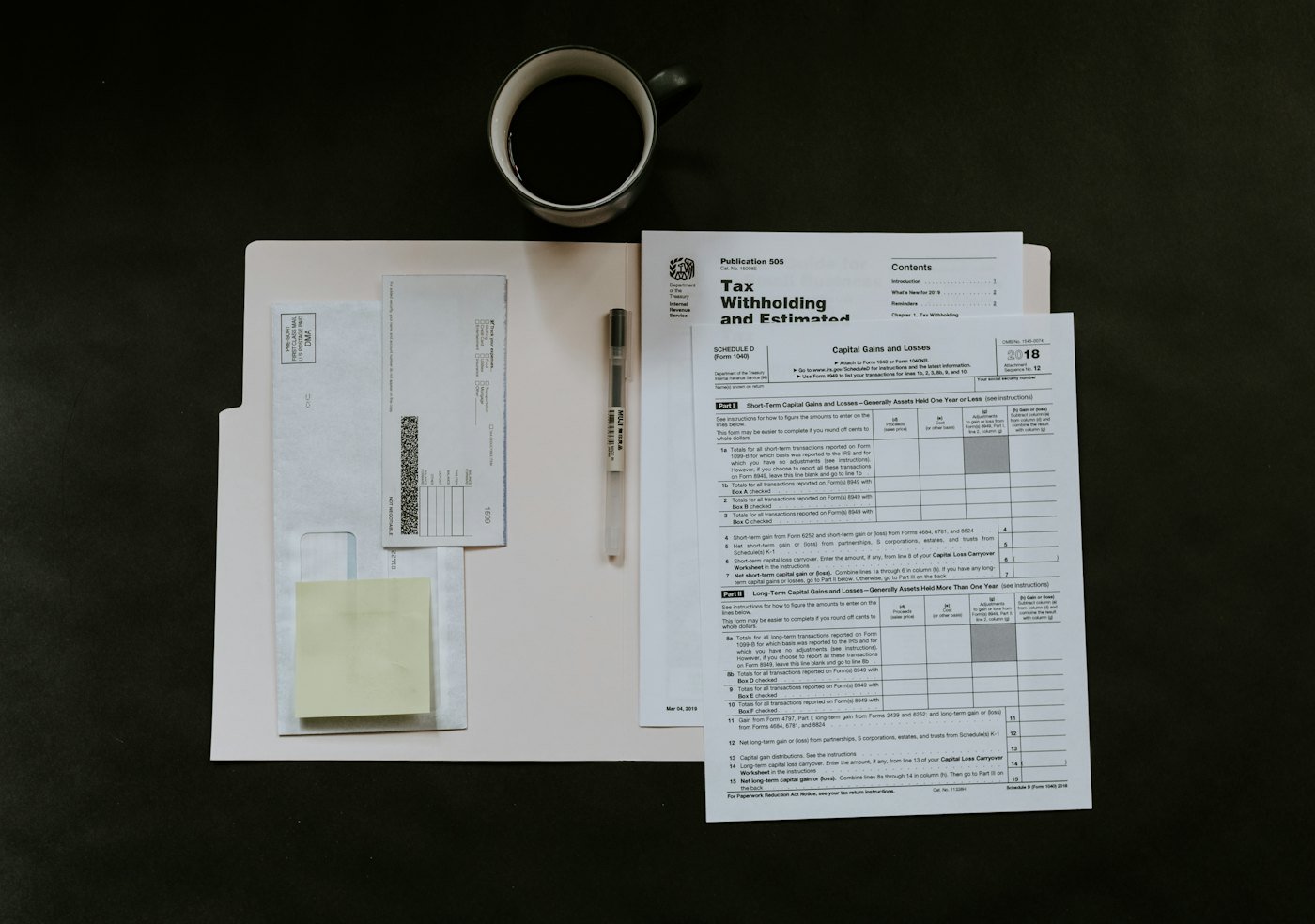
GST e-invoicing doesn't mean creating invoices on a government website. You still create invoices in your own billing software. The difference is that eligible invoices must be reported to a government Invoice Registration Portal (IRP), which validates them and returns a unique Invoice Reference Number (IRN) and a digitally signed QR code.
What is an IRN?
The IRN is a unique 64-character reference generated by the IRP for every e-invoice. Along with the IRN, the portal returns an acknowledgement number, acknowledgement date and a signed QR code. The QR code must be printed on the invoice you give to your customer, and an invoice that needed an IRN but doesn't have one is not considered a valid tax invoice.
Who must issue e-invoices?
E-invoicing has been rolled out in phases based on aggregate annual turnover (AATO). Currently, businesses whose AATO has exceeded ₹5 crore in any financial year from 2017-18 onwards must issue e-invoices. Some categories, such as banks, insurance companies and certain notified sectors, are exempt.
GST rules change. Always confirm the current threshold, exemptions and reporting time limits on the official GST and e-invoice portals before relying on any guide, including this one.
Which documents are covered?
- B2B tax invoices (supplies to registered businesses)
- Credit notes and debit notes issued to registered businesses
- Export invoices and supplies to SEZs
- Reverse-charge supplies where applicable
B2C invoices to consumers are not reported to the IRP. However, large businesses have a separate requirement to show a dynamic QR code on B2C invoices.
Is there a time limit for reporting?
Yes, for larger taxpayers. Businesses above a notified turnover level must report invoices to the IRP within a fixed number of days from the invoice date, after which the portal will not accept them. Check the latest advisory on the e-invoice portal to see whether this applies to you.
How to generate e-invoices in practice
- Make sure customer GSTINs, addresses and state codes are correct in your masters
- Store the correct HSN code and GST rate for every product
- Create the invoice in your billing software as usual
- Send it to the IRP (directly from software that supports e-invoicing)
- Print or share the invoice with the IRN and signed QR code
Doing this by hand, copying invoice data into the portal or uploading JSON files, is slow and error-prone. Software that integrates with the IRP, such as Saarthi, generates the IRN from the invoice itself and saves the response automatically, and the same data flows into your GSTR-1.
Key takeaways
- E-invoicing means reporting eligible invoices to the IRP to get an IRN and QR code
- It applies to businesses above the notified turnover threshold (currently ₹5 crore)
- It covers B2B invoices, credit and debit notes and exports, not B2C
- Integrated billing software removes manual work and reduces errors